
To use TempID mobile app, mobile device must have NFC switched on and Android operating system.
TempID mobile sensor app is available from here.
- Start mobile app.
- Connect sensor to mobile NFC (usually on mobile backside top or center area)
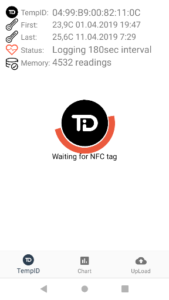
- Reading procedure starts (Pic 1.)
- When reading completed (100% reached), “Connected” text appears on screen (Pic 2.)
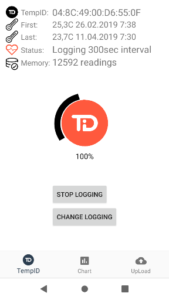
- Move sensor away from mobile, and application screen appears (Pic 3.)
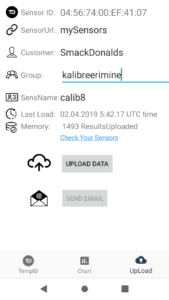
- Application includes 3 Tabs: TempID – basic data about sensor and sensor settings; Chart – Sensor data chart; UpLoad – Sensor data upload to cloud.
 Pic 1. Reading data |
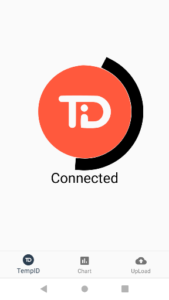 Pic 2. Reading complete |
 Pic 3. Application screen |
Sensor settings:
|
 |
UpLoad Data:
|
 |